If you’re facing cybercrime allegations in Texas—or even suspect you’re under investigation—one of the most alarming moments can be when law enforcement shows up with a warrant and takes your phone, laptop, or hard drive. But what happens next? And what are your rights?
In this Beginner’s Guide, we’ll explain how Texas law enforcement and federal agents seize, handle, and examine digital devices in criminal investigations. From the chain of custody to the digital forensic analysis process, understanding these steps is critical to protecting your legal rights—and identifying areas where a skilled defense attorney can challenge the evidence.
Whether you’ve already had your device taken or want to prepare for what could come, this guide is for you.
Step 1: Law Enforcement Identifies the Device as Evidence
Before a device is seized, law enforcement must believe it contains evidence of a crime, such as:
- Online harassment or threats
- Unauthorized access to computer systems
- Cyberstalking or doxing
- Identity theft or online fraud
- Possession or transmission of illicit material
- Digital impersonation or forgery
In some cases, officers build a case through open-source intelligence (OSINT), subpoenas to tech companies, or tips from alleged victims. They may then request a search warrant signed by a Texas judge—or, in federal cases, by a U.S. magistrate.
Step 2: Devices Are Seized Under a Search Warrant
Law enforcement must follow the Fourth Amendment and Texas Code of Criminal Procedure when executing a digital search warrant. A valid warrant should:
- Clearly list the device(s) to be seized
- Describe the types of files or data sought
- Be supported by probable cause
- Be signed by a judge with jurisdiction
The warrant may allow officers to seize:
- Phones and tablets
- Laptops and desktops
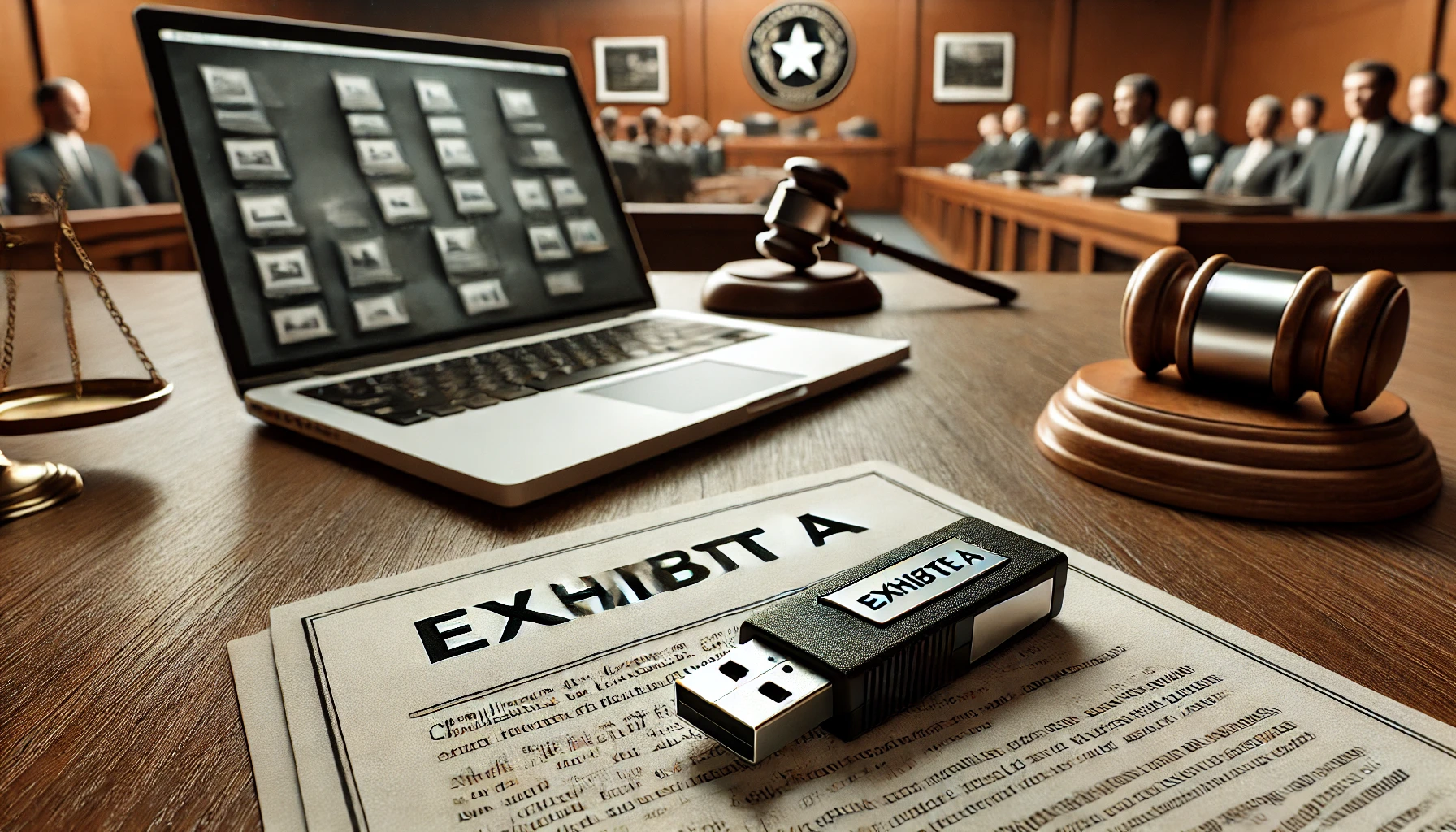
- USB drives or external hard drives
- Routers or home networks
- Cloud storage access credentials
- Gaming consoles or IoT devices (yes, really)
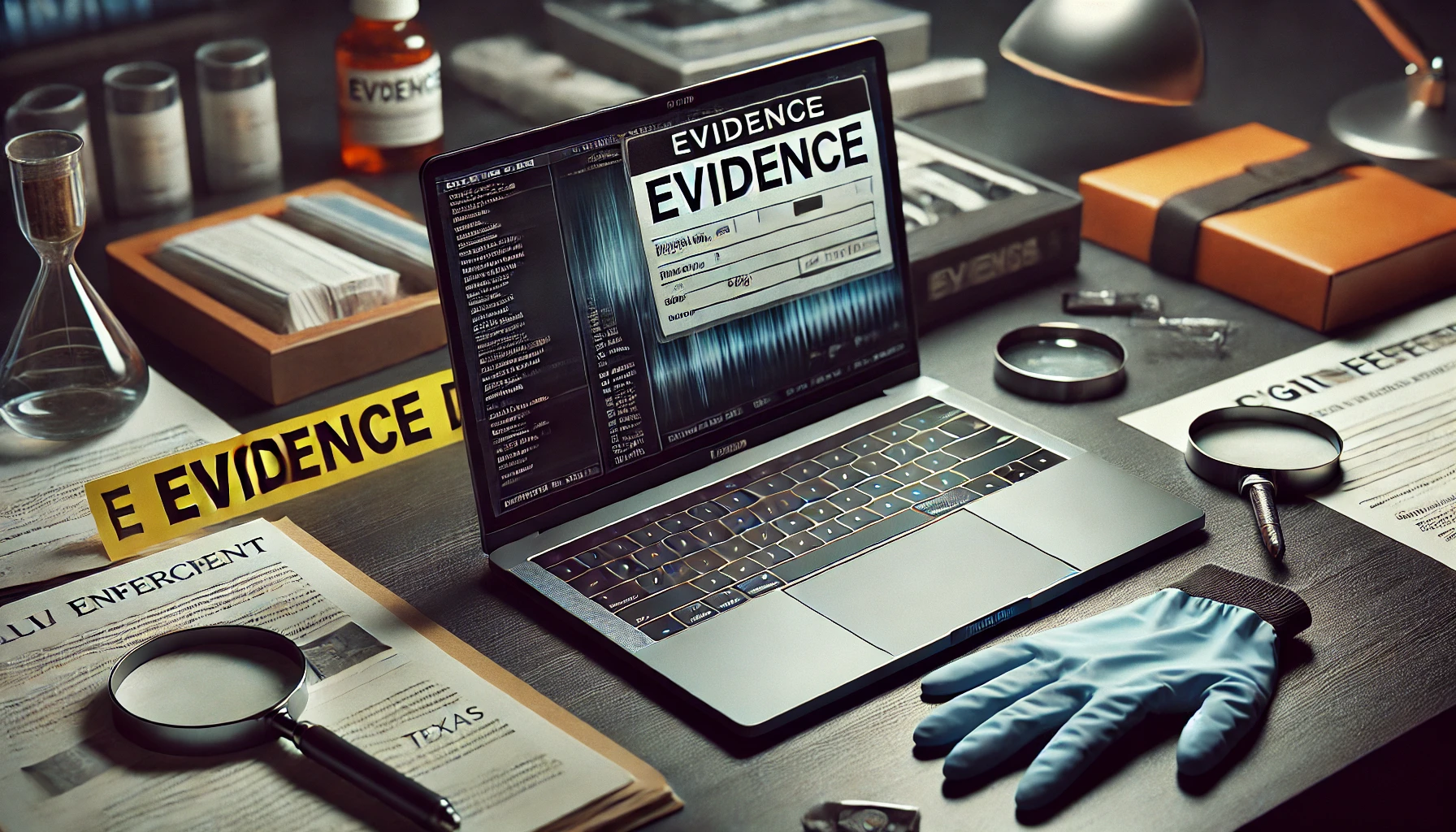
Officers typically take the device to a digital forensics lab, where a full analysis is performed.
Important: If law enforcement seizes your devices, do not give consent for a search beyond what’s listed in the warrant. You do not have to provide your password or unlock your phone—unless compelled by court order.
Step 3: Chain of Custody Begins
Once a device is seized, investigators must maintain a chain of custody, which is a documented record of:
- Who handled the device
- When and where it was stored
- When and how it was examined
- Any changes or analysis performed
Why does this matter? If the chain of custody is broken or incomplete, a defense attorney can argue that the evidence may have been tampered with, altered, or mishandled—making it inadmissible in court.
Step 4: Forensic Imaging of the Device
Before examining a device, forensic analysts create a bit-for-bit copy (also known as a forensic image) of its contents. This ensures the original data is preserved while analysis is done on the copy.
Tools like Cellebrite, Magnet AXIOM, and FTK (Forensic Toolkit) are used to:
- Bypass encryption or PINs
- Recover deleted files and messages
- Analyze apps, chats, and media
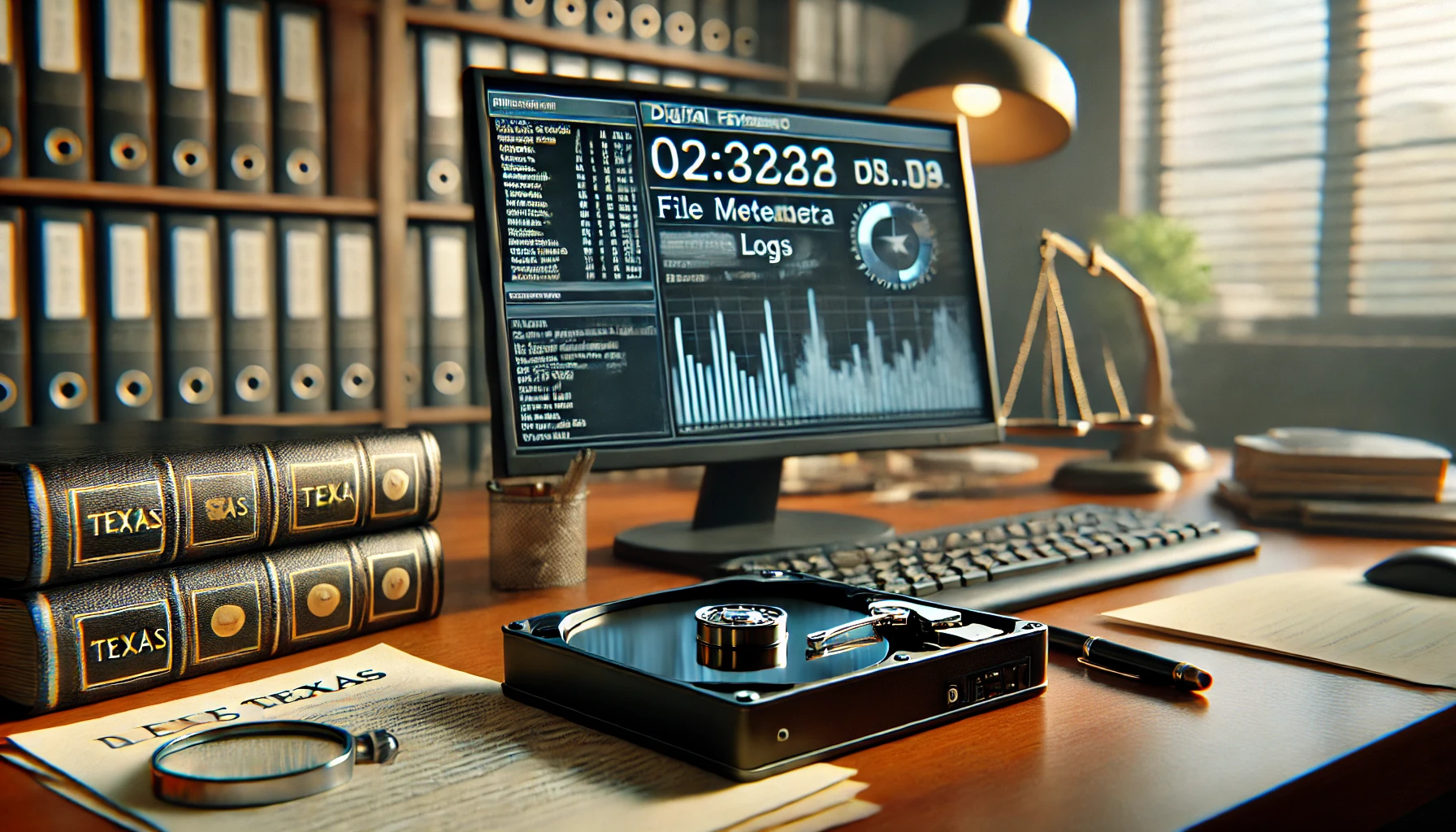
- Extract metadata from photos and documents
- Build timelines of user activity
At this stage, investigators may also retrieve data from:
- Cloud backups (iCloud, Google Drive)
- App usage logs (e.g., TikTok, WhatsApp)
- Browser histories and search terms
- Encrypted or hidden file volumes
Step 5: Investigators Analyze the Evidence
Analysts generate a report of findings, which may include:
- Texts or DMs sent to alleged victims
- IP addresses used to access websites or systems
- Screenshots or screen recordings
- Photos or videos tied to a specific date, time, or location
- Emails or files containing illegal content
- Search terms or browsing patterns
This report is shared with detectives, prosecutors, and eventually, your defense team during discovery.
Step 6: How the Evidence Is Used in Court
Once a case goes to trial (or plea negotiations), digital evidence may be introduced to:
- Prove contact or communication between parties
- Establish intent to harm, deceive, or threaten
- Show patterns of behavior (e.g., repeated messages)
- Support testimony from witnesses or alleged victims
But admissibility is not guaranteed. A skilled defense attorney may challenge the evidence through:
- Motions to suppress (if it was illegally obtained)
- Authenticity challenges (proving it’s not what prosecutors claim)
- Chain of custody issues
- Expert testimony that casts doubt on the analysis
- Contextual defenses, showing the messages were mutual, satirical, or protected speech
Common Issues That Can Make or Break the Case
1. Illegally Seized Devices
If law enforcement seized your device without a valid warrant or outside the scope of the warrant, any evidence they found may be thrown out.
2. Unreliable Chain of Custody
If the device changed hands multiple times without documentation, a judge may exclude the evidence as unreliable.
3. Selective or One-Sided Screenshots
Screenshots are easy to fake, crop, or present without context. Your defense team should demand the full message logs.
4. Mistaken Attribution
Just because something was found on your device doesn’t mean you created or sent it. Many devices are shared or vulnerable to unauthorized access.
5. Lack of Intent
Even if the data shows something emotionally charged, it doesn’t prove criminal intent—especially in cases involving harassment or online threats.
See Free Speech vs. Criminal Threats Online for how intent and context affect whether speech is protected or prosecutable.
Final Thought: Device Seizure Is Just the Beginning—Not the End
Many people panic when their phone or laptop is taken by law enforcement. But the real battle is just beginning. From the moment of seizure, the clock starts ticking on your legal rights, defenses, and opportunities to push back.
At David Smith Law Firm, PLLC, we understand digital forensics—and we challenge it effectively. David is board-certified in criminal law, a former felony prosecutor, and experienced in suppressing illegally obtained evidence, discrediting forensic reports, and dismantling digital assumptions.
**Call (713) 769-5000 or schedule your confidential consultation at https://appointment.davidsmith.law/#/Schedule If law enforcement has your device, we can fight to protect your record—and your future.
Discover more from David Smith Law Firm, PLLC
Subscribe to get the latest posts sent to your email.